Write in Markdown. Deliver anywhere. Plain text while you work, a finished document when you are done.
Tap a screenshot to view it full size.
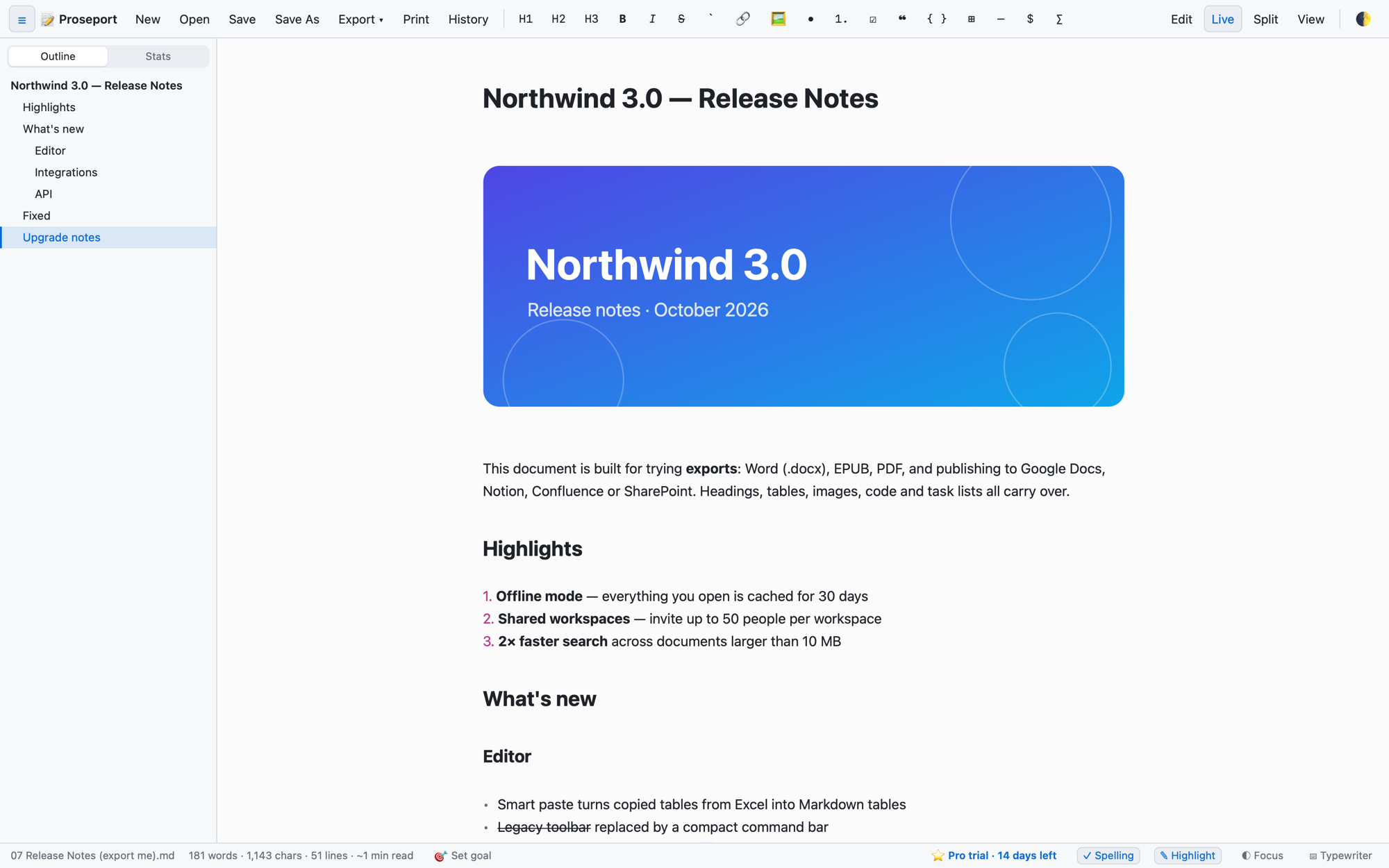
Markdown is a lovely way to write: plain text, no formatting toolbars, nothing to fight. The trouble has always been the end of the job — the document has to arrive as a Word file, a PDF, a page in Notion, or wherever the rest of the team actually works.
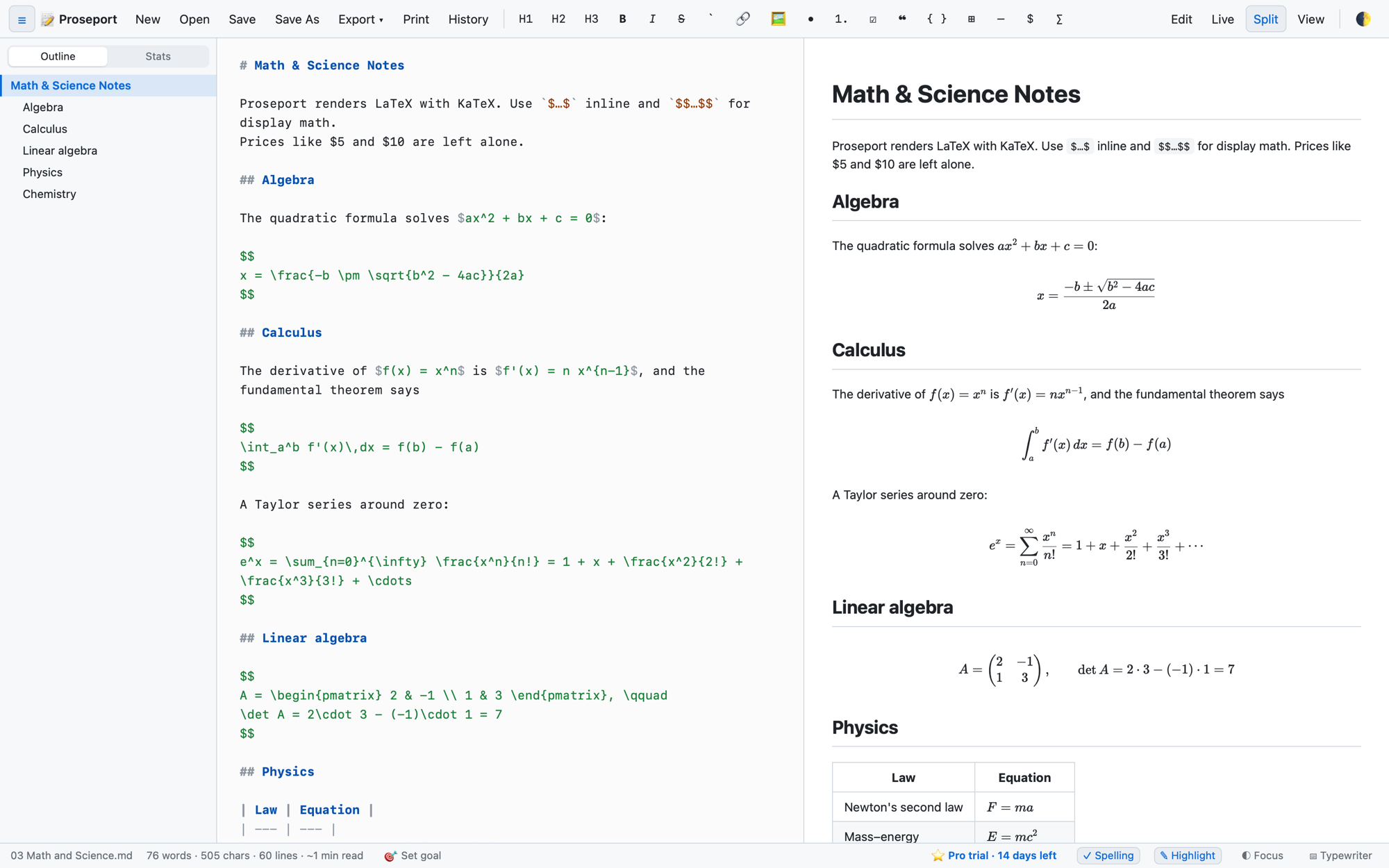
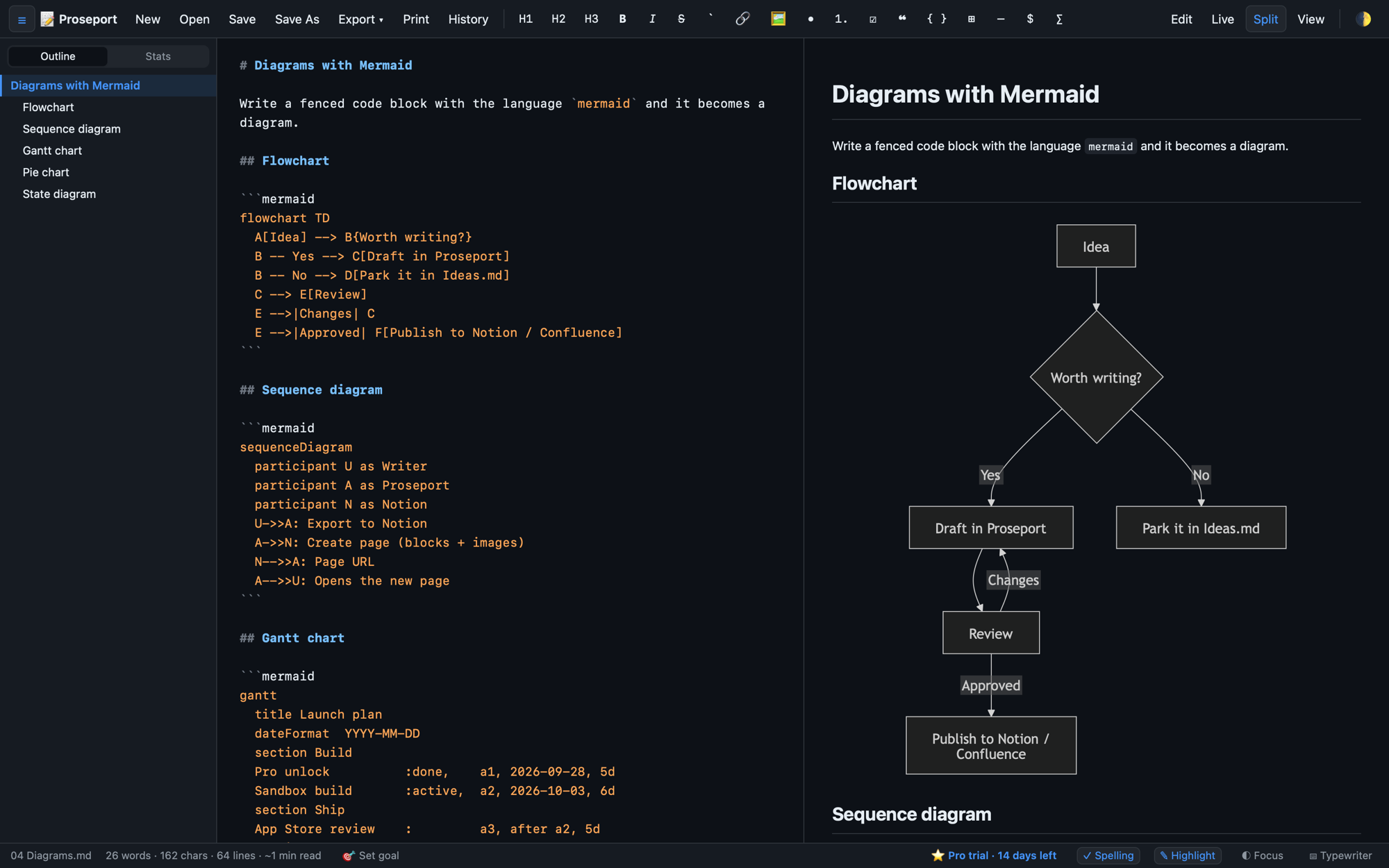
Proseport is built around that last step. You write in Markdown and watch it render as you type — headings, tables, mathematical notation, diagrams drawn from their text description, code with proper highlighting. Then you deliver it: export to PDF, HTML, plain text, Word or EPUB, or publish straight into Google Docs, Notion, Confluence or SharePoint.
Your documents stay as files on your own computer. There is no account to make and no analytics watching you work.
The rendered document updates as you type, beside your source or on its own. Nothing to compile, nothing to refresh.
Mathematical notation set properly with KaTeX, and flowcharts and sequence diagrams drawn from plain text with Mermaid — both rendered live as you write them.
Syntax highlighting, spell check, find and replace, a document outline, folders, autosave and crash recovery — so a long piece of writing is somewhere you can actually live.
PDF, HTML and plain text come with the free app. Word (.docx) and EPUB are part of Pro.
Pro sends a finished document straight to Google Docs, Notion, Confluence or SharePoint — no copy, paste and re-format at the end of the afternoon.
Pro also saves to Dropbox, OneDrive, Box and Google Drive, while the working copy stays on your own machine.
Pro keeps earlier drafts, so the paragraph you cut this morning is still there this evening.
Pro counts what you have written, reads it back for difficulty, and holds you to a word goal if you want one.
Documents are files on your computer. No account, no telemetry, no analytics — the app has no interest in what you write.
Free to download on Mac and Windows, free to keep writing in — Pro only when you need the document somewhere else. One licence covers both.
 STZ developer